You quoted them once. Now find what you said
Search a client's name. The quotes, photos and notes you saved about them come back.
Join small business owners already using Mindle
How it works
From the job site to the next quote
Capture it where you already are
Voice note after a client call, a photo of the finished job, a quick line typed between appointments. Send it in the app or on WhatsApp and get back to work.
Related jobs group themselves
Mindle groups what you capture by meaning, not by a client folder you keep: two notes about the same job or topic land together on their own. Search a client's name and everything you've saved about them comes back in one search.
Ask instead of scrolling old chats
Ask what you quoted a client, or how you handled a tricky job last year. Mindle writes back an answer straight from your own notes and shows you which one it pulled the number from.
Use cases
A week running the business
"That wasn't in what we agreed"
Ask what you quoted. The answer comes back cited to your own note.
The quote lost in WhatsApp
Send it to Mindle and it becomes a note you can find later.
The fix that lives in your head
Say it in a voice note after the job. Next time, look it up.
Why now
Right now, it's WhatsApp, a notes app, and your memory
That system works until you're busy, sick, or the client calls about a job from a year ago. Mindle is the version of that system that doesn't depend on you remembering.
Why Mindle
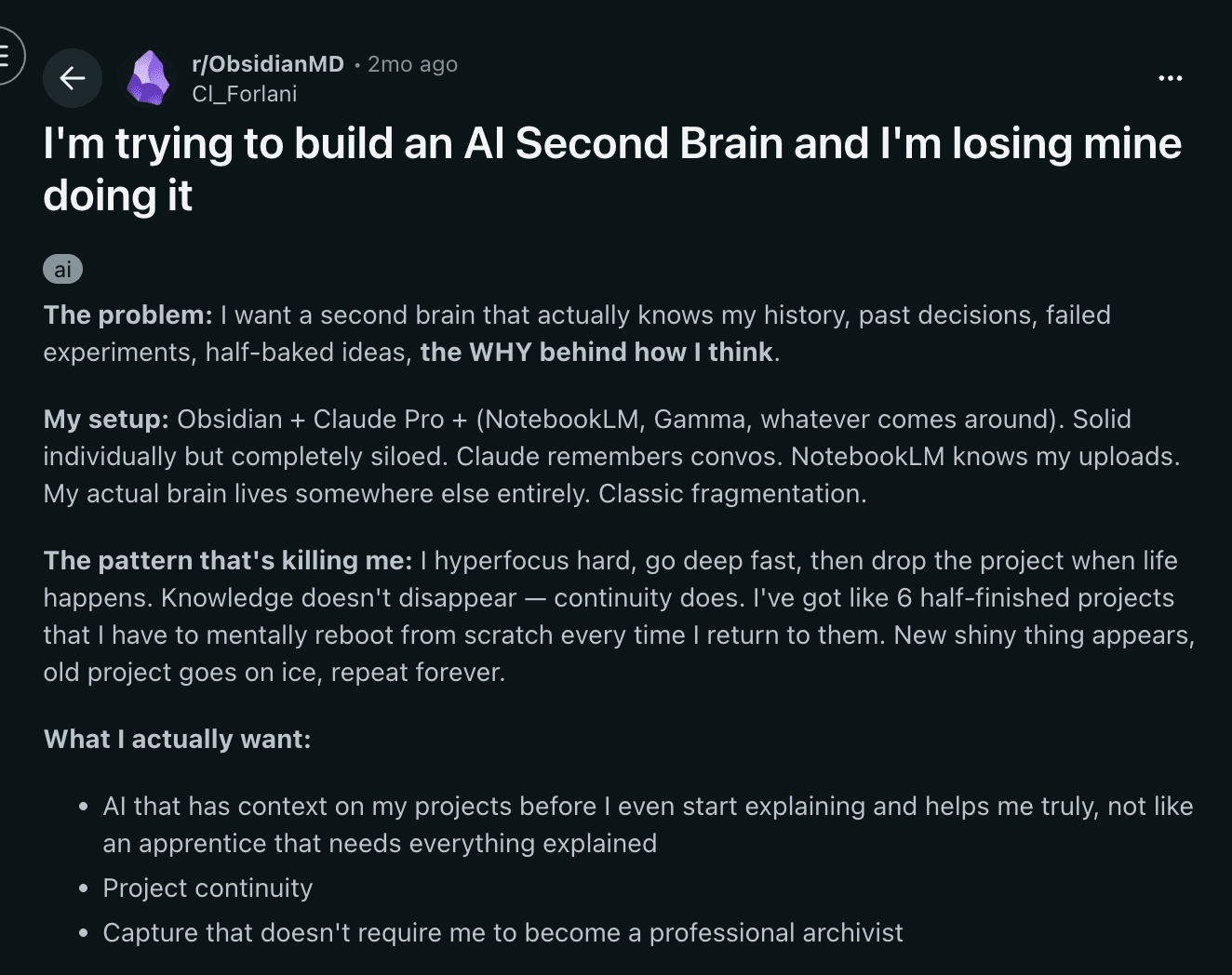
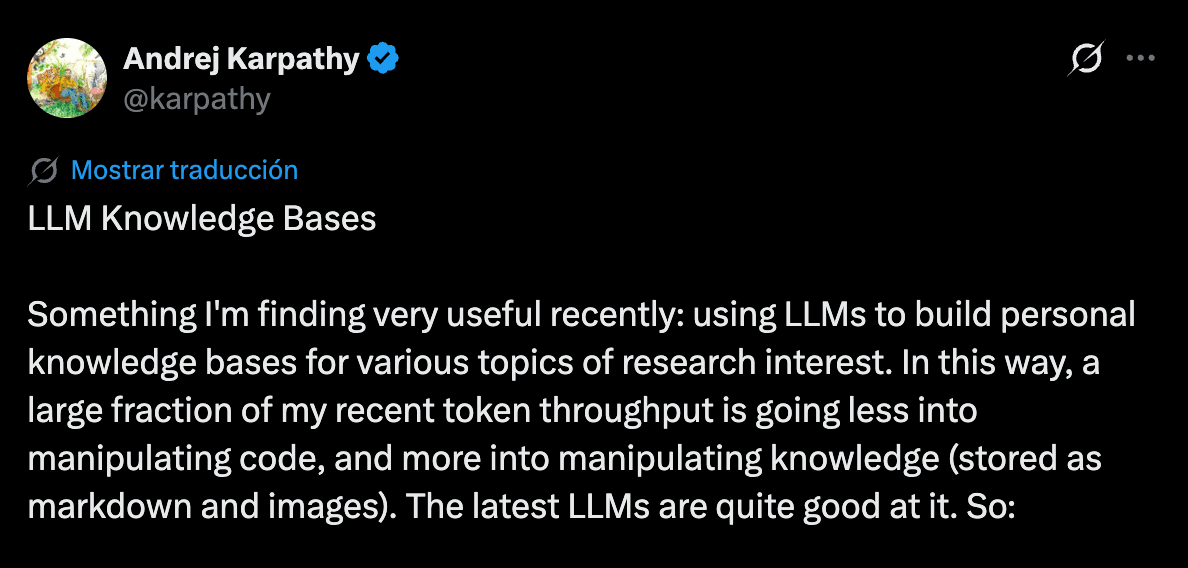
More than a notes app: your own operating memory
Ask a plain question about a client or a job and Mindle answers from what you actually wrote, with the note attached so you can check it.
WhatsApp becomes your filing cabinet
Link your number from Settings and send Mindle a quote, a job photo, or a voice note the second it happens. It's saved as a note, not lost three scrolls deep in a chat.

A client's whole history, in one search
Mindle groups what you capture by meaning, not by a client file you keep. Search a client's name and the quote, the photos and the call you saved for them come back together.
Answers with a citation, not a guess
Ask what you quoted, promised, or decided and Mindle answers from your own notes, with a citation back to the exact one, so you can check it yourself.
The job photo becomes a note you can find
Snap the finished job, or scan a paper receipt, and send it to Mindle. It lands as a searchable note right alongside your voice notes and files, not stuck in a camera roll.
Comparison
Not a CRM. Not a notes app that makes you file.
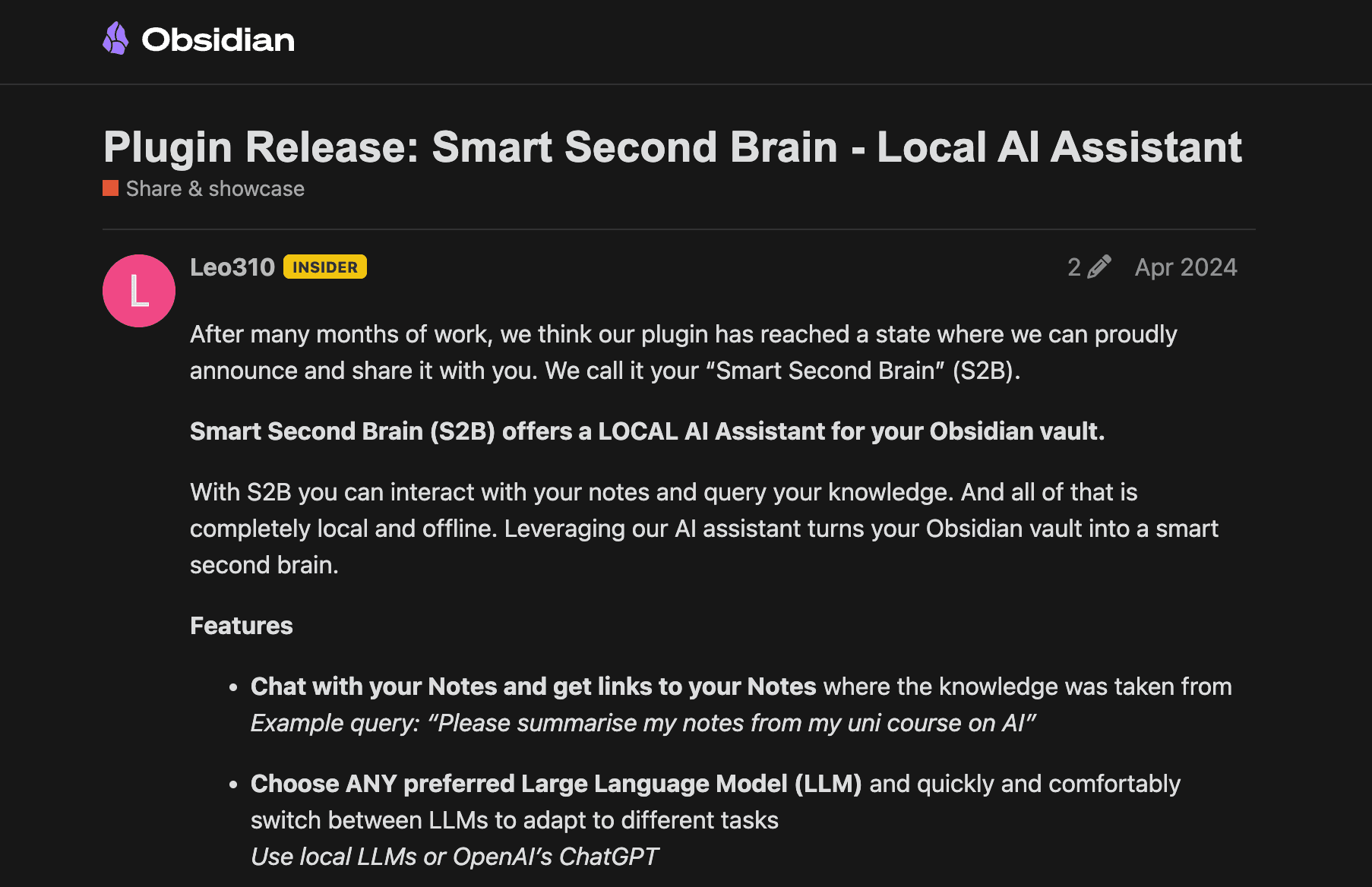
A CRM is overkill for a one-person or small operation. A plain notes app just makes you organize by hand. Mindle sits in between: capture like a notes app, retrieve like you had a filing system.
| Capability | Mindle | Notion | Apple Notes | Obsidian |
|---|---|---|---|---|
| Capture from WhatsApp | Yes | — | — | — |
| Proactive recall | Yes | — | — | — |
| Instant capture (< 5s) | Yes | — | Partial | — |
| Semantic search | Yes | — | — | Plugin |
| Voice brain dumps | Yes | — | — | — |
| AI answers from your notes | Yes | Yes | — | Plugin |
| Zero manual organization | Yes | — | — | — |
Capture from WhatsApp
Proactive recall
Instant capture (< 5s)
Semantic search
Voice brain dumps
AI answers from your notes
Zero manual organization
FAQ
Still skeptical? Good.
Mindle is built for a single owner or operator today. There is no place for a whole team to capture together yet. You can share an individual note by link if you need someone else to see it, but everyone else still needs their own account to capture.
No. Mindle doesn't manage a pipeline, send invoices, or replace your accounting. It's where your own notes about clients and jobs live so you can find them later, not a system to run the business through.
You copy a short code from Settings and send it to Mindle on WhatsApp once. After that, anything you send, text, voice notes, photos, quotes, PDFs, lands as a note. Mindle never messages you first.
Voice notes, photos, and files including PDF, Word, PowerPoint, TXT and Markdown. A job photo or a scanned receipt becomes a searchable note the same as a typed line.
No. There's nothing to set up. Mindle groups what you capture by meaning as you go, and searching a client's name pulls back everything you've saved about them, no client list to build first.
There's a free plan with a monthly allowance, and paid plans that raise the limits as you capture more. No contract, cancel anytime.
No. Mindle does not train AI models on your data. Your quotes, client notes and business details stay private to your account.