If you don't capture it right now, it's gone
Say it or snap it the instant it hits. Mindle keeps it, no system required.
How ADHD students already capture their semester
How it works
No system to build. Nothing to abandon.
Capture before the thought leaves
Type it, say it, or photograph the whiteboard. Send it in the app or on WhatsApp the second it happens, and it's saved before you'd even finish picking a folder for it.
Organized without you noticing
Mindle groups what you capture by meaning using semantic embeddings, so related notes land together as Spaces you can rename or merge later, without you sorting anything yourself.
Find it before the panic sets in
Search across everything you've ever saved, or ask a question and get an answer built from your own notes, with citations back to the source.
Use cases
Moments this fixes
The thought that dies in seconds
Say it into your phone before the hallway swallows it.
The note you forgot existed
Ask what you know about the topic. The forgotten note comes back, cited.
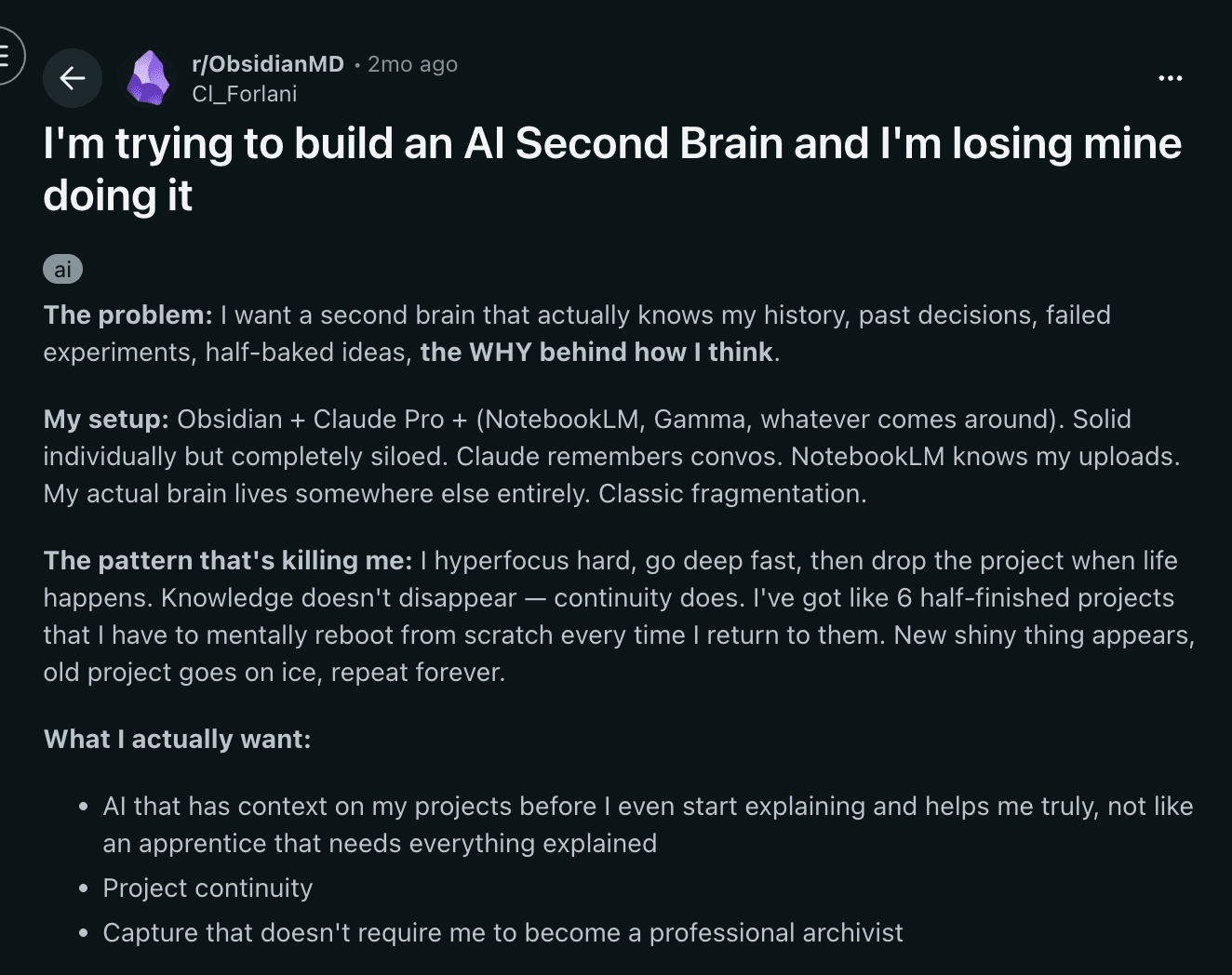
The system you built and dropped
Nothing to maintain, nothing to abandon.
Why this works differently
Every planner and every board assumed you'd keep filing
Every abandoned planner and dead Notion board taught the same lesson: the system needed upkeep you couldn't sustain every week. Mindle needs none, so there's nothing left to fall behind on.
Why Mindle
Built for the moment before the thought is gone
Capture takes seconds. Organizing takes nothing. Finding it again takes one search.
Voice notes that don't need a name
Record a thought in the elevator, the library, or the ten minutes between classes. Mindle transcribes it and joins it to everything else about that topic, with no title required.
WhatsApp, the app you already have open
Link your number once from Settings, then text, voice-note, or photograph a thought whenever it hits. Mindle never messages you first.
Your notes connect themselves, even the messy ones
Mention the same topic in a voice memo and a typed note, and Mindle links them automatically. Photos and files land alongside that topic too, though typed notes and voice memos get the deepest processing today.
Ask instead of re-reading everything
Ask what you actually captured about a topic and get an answer pulled from your own notes, with citations back to the exact one it came from.
Comparison
It doesn't fall apart the week you disappear
A to-do list only helps if you remember to check it. Ask Mindle instead, and it answers from what you already captured, no memory of where you put it required.
| Capability | Mindle | Notion | Apple Notes | Obsidian |
|---|---|---|---|---|
| Capture from WhatsApp | Yes | — | — | — |
| Proactive recall | Yes | — | — | — |
| Instant capture (< 5s) | Yes | — | Partial | — |
| Semantic search | Yes | — | — | Plugin |
| Voice brain dumps | Yes | — | — | — |
| AI answers from your notes | Yes | Yes | — | Plugin |
| Zero manual organization | Yes | — | — | — |
Capture from WhatsApp
Proactive recall
Instant capture (< 5s)
Semantic search
Voice brain dumps
AI answers from your notes
Zero manual organization
FAQ
What people actually ask first
You don't have to remember to check anything. Send a note once and it's grouped with the rest of that topic automatically, so it resurfaces when you search or ask, instead of waiting for you to remember it's there.
Nothing breaks. Notes you already sent stay grouped and searchable, and new ones slot in the moment you send them again, whether that's tomorrow or next month.
Yes. Voice memos, typed notes, photos, and files like PDF, Word, PowerPoint, TXT, and Markdown all land as notes and get grouped with the rest of that topic, with typed notes and voice memos getting the most precise grouping today.
No. Send it and it's saved. Mindle groups it into a Space by meaning afterward, and you can rename or merge Spaces later if you ever want to, but nothing requires it upfront.
You link your number once using a short code from Settings. After that, anything you send on WhatsApp, text, voice, or a photo, lands in Mindle as a note. Mindle never starts a conversation with you.
No. Mindle doesn't train AI models on what you capture. What you capture stays yours.
There's a free plan with a monthly allowance, and paid plans that raise the limits if you outgrow it. No contract, cancel whenever.